Forex Back Office Software: CRM, Payments and IB Workflows
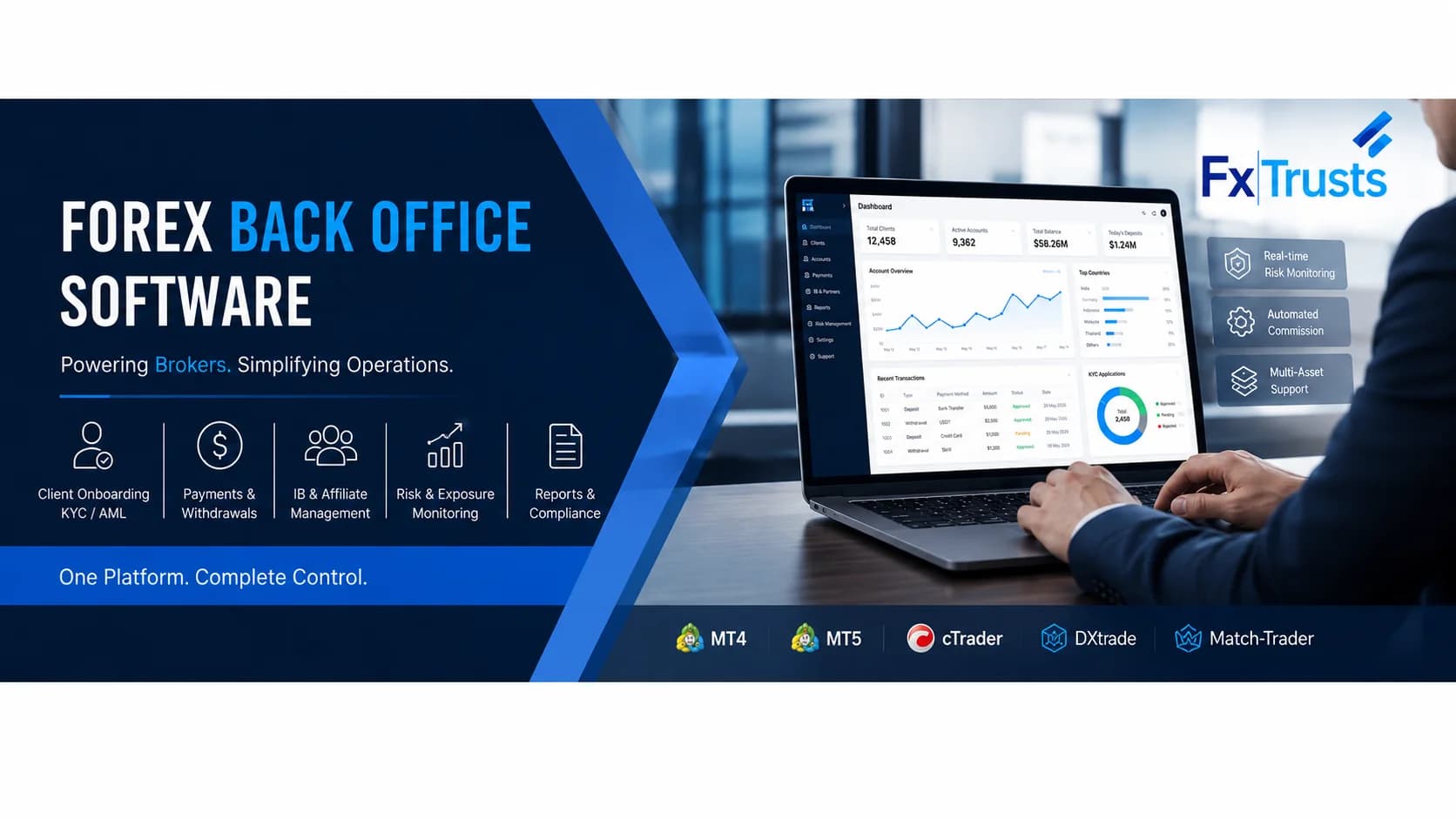
Forex back office software manages the operational records behind a brokerage: client onboarding, account mappings, funding requests, staff approvals, IB commissions and reporting. A forex CRM adds lead and relationship workflows; a trader's room gives clients a portal for documents, accounts and requests. These functions can share one interface, but each financial or identity decision still needs a defined source, owner and audit record.
For a buyer, the useful question is whether the software can complete a client journey and recover when a connected system fails. This guide provides workflow tests and illustrative calculations for evaluating a back office. FxTrusts publishes it as a supplier of forex CRM and trader-room software; the examples are evaluation tools, not measured customer results.
Buying shortlist: choose the back office around the work your team must complete every day: approve a client, create the correct account, reconcile a payment, resolve a withdrawal and explain an IB statement. Confirm these five journeys on your proposed connector before comparing optional modules. If you sell evaluation challenges instead of managing brokerage client funding, use the separate prop firm CRM buying guide.
Forex back office, CRM and trader's room: which layer do you need?
| Layer | Primary job | Evidence to request |
|---|---|---|
| Broker CRM | Track leads, client relationships, staff assignments and support history. | A client record with accountable ownership, permitted communication history and a handoff to operations. |
| Back office | Coordinate approvals, account records, ledger movements, partner calculations and exceptions. | A transaction traced across the provider, internal ledger and trading account. |
| Trader's room | Let clients submit documents, view accounts and request deposits, transfers or withdrawals. | The client view of pending, rejected and completed requests, with accurate status explanations. |
| Trading platform | Provide the trading account, quotes and order workflow under its access arrangement. | Account identifiers, permitted operations and records returned through the approved connector. |
MetaQuotes' brokerage setup guidance treats CRM as a distinct operational workstream. An existing trading terminal therefore does not settle how your sales, finance and support teams work together. If your brokerage already has a stable platform, evaluate a CRM integration before assuming a complete replacement is necessary.
Five workflows to demonstrate before selecting software
- Onboarding: create a client, submit an incomplete document set, request a correction and approve only the permitted next step. Record the provider result separately from the staff decision.
- Account creation: connect the client to the correct trading account and group. Repeat the request after a timeout and show how the system avoids creating an unintended duplicate.
- Funding: follow a confirmed payment through ledger posting and trading-account credit. Show an exception when one stage succeeds and the next is unavailable.
- Withdrawal: submit a request, perform the required checks, obtain approval and track the provider outcome. Change the beneficiary details and demonstrate whether review is required again.
- Partner commission: calculate a sample earning from the agreed eligible activity, review adjustments and export a statement that explains the amount.
Ask different staff members to carry out these steps using their own permission sets. A demonstration using only a super-admin account cannot establish the boundaries between sales, support, finance and technical administration. Keep screenshots or exported records tied to the tested environment and version.
Worked example: reconcile a deposit without creating a double credit
Assume a client makes a $500 payment. In this illustrative policy, the broker credits the full $500 and absorbs a $15 processing fee; there is no reserve or currency conversion. The payment provider reports $500 gross, the broker ledger records a $500 client credit and a $15 expense, and the bank receives $485. These numbers describe an example, not provider pricing.
| Record | Expected amount | Question when it differs |
|---|---|---|
| Provider payment | $500 gross | Was it confirmed, refunded or disputed? |
| Client ledger credit | $500 under the example policy | Was the approved payment posted once? |
| Trading-account credit, if applicable | $500 | Did the platform acknowledge the operation? |
| Provider settlement / bank receipt | $485 after the $15 fee | Does the settlement identifier match the bank receipt? |
Now replay the same payment notification. The client credit should remain $500, not become $1,000. If the platform call times out, the operator needs to determine whether it completed before retrying. Preserve provider transaction IDs, ledger references and platform operation IDs so recovery does not depend on matching amounts alone.
Stripe's webhook documentation is a primary engineering example explaining duplicate events and delivery-order limitations. It is cited for that behavior, not as a recommendation or statement that Stripe accepts your brokerage or prop business. Confirm eligibility directly with the selected provider. The forex payment gateway guide covers that separate decision.
IB commissions need a reproducible calculation
For an illustrative agreement paying $4 per eligible closed lot, 12.5 eligible lots produce $50. If a documented correction removes 0.5 lot from that period, the eligible amount becomes 12 lots and the commission becomes $48. Preserve the original calculation and the $2 adjustment rather than silently replacing the statement.
The example is deliberately simple. Your specification must define symbols, account groups, volume units, closed or partially closed trades, rounding, currency conversion, referral attribution and reversal rules. Multi-tier arrangements also need an explicit allocation method. Ask the vendor to run your actual agreement through normal and disputed cases; a menu labeled “IB management” does not establish the calculation.
MT5, RTX5 and other platform connections
For each connector, record which system supplies account balances, equity, positions and transaction history; how updates arrive; and how stale or missing data is shown. A unified dashboard is a view across several sources, not proof that every record is current. Financial reconciliation should still compare the relevant authoritative records.
An RTX5 white-label deployment can be scoped with FxTrusts CRM and related implementation work. The proposal must identify the CRM modules, connector, access rights and fees. Bridge, liquidity and FIX work are separate scope items unless explicitly included. Apply the same questions to MT5, cTrader, Match-Trader or TradeLocker: a platform name alone does not prove a production connector or permission to use it.
Check the current official RTX5 licence matrix when scoping CRM alongside a terminal. On 26 September 2026, the vendor distinguishes Entry, with CRM included and bridge/FIX charged separately, from Standard, with bridge/FIX in licence scope and CRM as a standalone add-on. Older Starter/Growth descriptions should not be used to infer current inclusions. Confirm the named plan and any FxTrusts partner offer in the proposal.
Review the published integration evidence, then request the missing deployment-specific tests. A sales demonstration should identify the actual platform environment and permissions used.
Forex back office software cost: a quote comparison worksheet
Brokerage CRM pricing is a scoped quote on FxTrusts; the separately advertised prop CRM subscription is not a broker price. Ask each supplier to fill the same worksheet for the same brand, staff and account assumptions. Record a charge once: if hosting or a connector is included in a subscription, mark that line included rather than adding it again.
| Cost line | What to put in the quote | What changes the bill? |
|---|---|---|
| CRM and trader portal | Monthly fee, included modules, brands and staff permissions. | Additional brands, seats, storage or agreed capacity tiers. |
| Implementation and migration | One-time mapping, import, training and acceptance work. | Historical data quality, custom fields and unresolved reconciliation. |
| Platform connector | Named environment, allowed operations, connector fee and vendor access entitlement. | Another platform, environment or separately charged vendor API. |
| External providers | Identity checks, payment processing, messaging and their fee units. | Actual checks, messages, transactions, currencies and provider terms. |
| Hosting, support and exit | Included infrastructure, response hours, export format and handover fees. | Additional retention, service hours, capacity or migration assistance. |
First-year software budget = agreed one-time implementation + 12 months of recurring charges + forecast usage charges + applicable taxes. Calculate low, expected and high usage cases using the same units across quotes. Regulatory capital, client funds and liquidity collateral are different funding requirements; keep them outside this software subtotal. A lower headline subscription does not establish a lower total cost.
Send the worksheet with your existing platform, legal entity, markets, approximate account count and two difficult support cases when you request a brokerage CRM demonstration. Ask for a written list of included, optional and excluded items alongside the demonstrated workflows.
Plan a controlled back-office migration
Request a brokerage CRM quote covering implementation, modules, brands, staff seats, account volume, connectors, storage, support and data export. Keep payment-provider fees, identity checks, platform access and other third-party costs visible. The FxTrusts pricing page publishes a separate Prop Firm CRM offer; it must not be treated as a universal brokerage CRM price.
Before migration, reconcile client IDs, account mappings, documents, open requests, balances and unpaid partner commissions. Run a sample import, compare record counts and financial totals, and investigate differences. Decide which system owns new updates during the cutover window. Keep a rollback point and confirm that historical records remain accessible.
A useful acceptance record includes the scenario, expected outcome, observed result, evidence, owner and unresolved defect. Launch approval should refer to that record rather than an assumed number of weeks. Discuss your current workflows with the FxTrusts implementation team to determine the appropriate brokerage CRM scope.
Common buyer questions
Can the same CRM run a broker and a prop firm?
Some operational components overlap, but the account and money models differ. Brokers need client funding and account reconciliation; prop programmes need challenge rules, phase decisions and contractual reward workflows. Compare the dedicated prop firm CRM guide before reusing one configuration.
Does back-office software replace a liquidity bridge?
No. The back office coordinates client operations. A bridge or gateway concerns connectivity and execution routing. Confirm each component's role and the information exchanged between them.
What should a small broker buy first?
Start with the workflows required by the operating model: onboarding, permitted account creation, funding, withdrawals, staff controls and reconciliation. Add complexity when there is a documented need and a way to test it.
Sources
Primary documentation and FxTrusts commercial pages were reviewed on 26 September 2026. Vendor pages describe published scope; they do not establish measured performance or customer outcomes. The worked examples and acceptance tests above are illustrative evaluation guidance.
- metatrader5.com: MetaQuotes distinguishes brokerage CRM, payment-provider relationships and other setup workstreams; its CRM section discusses client and internal operations.
- docs.stripe.com: Engineering reference for duplicate webhook delivery, event identifiers and delivery-order limitations; not evidence of merchant eligibility.