Forex CRM Demo Checklist: 12 Tests for Brokers
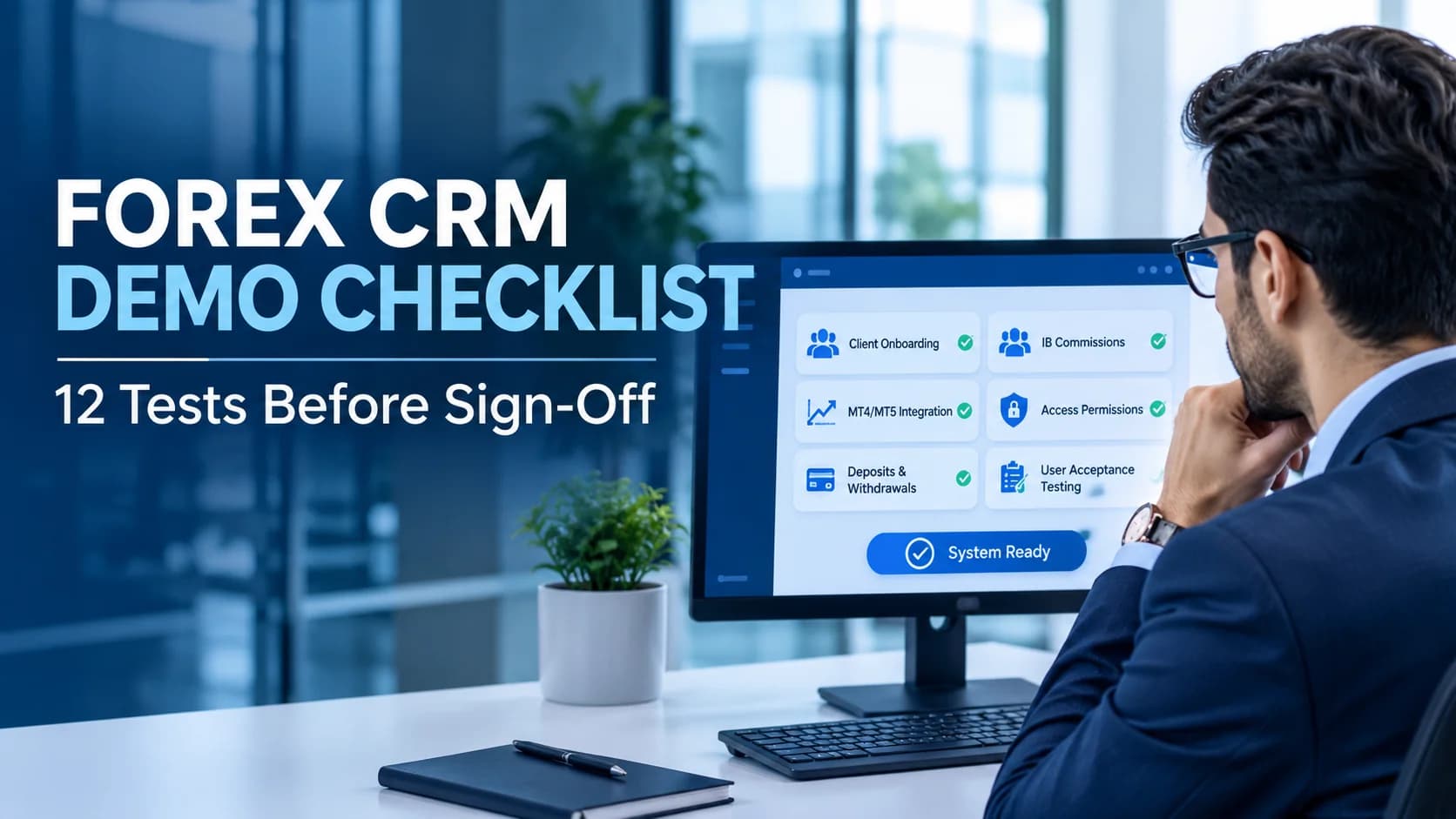
Forex CRM Demo Checklist: 12 Tests Brokers Should Run Before Buying
Choosing a Forex CRM is not just about comparing dashboards, features, or pricing. Brokers need to understand how the system handles real operational workflows, financial transactions, client onboarding, trading platform integration, and internal permissions.
A successful demo should prove that the CRM can support your brokerage's actual requirements.
This Forex CRM demo checklist helps brokers evaluate CRM vendors, identify integration gaps, and prepare for user acceptance testing before committing to a solution.
Why a Forex CRM Demo Needs Real Workflow Testing
A CRM demonstration often follows a smooth process using preconfigured data. However, brokerage operations involve incomplete applications, payment delays, duplicate notifications, account synchronization issues, and commission adjustments.
These situations reveal whether the system is ready for operational use.
Before scheduling a demo, prepare your trading platforms, client types, payment providers, introducing broker structure, and staff roles. Use synthetic client information and sandbox environments wherever possible.
Your sales, compliance, finance, and support teams should participate because each department evaluates different requirements.
12 Forex CRM Demo Tests Every Broker Should Perform
1. Test Client Registration and Onboarding
Create a new client profile and complete the registration process.
Check whether the CRM captures the required information, identifies duplicate registrations, and supports different client statuses.
Test an incomplete application and verify that the system prevents restricted actions until the required review is completed.
For brokers, an effective onboarding workflow should help reduce manual processing while maintaining appropriate verification procedures.
Explore Forex CRM software to understand how CRM workflows fit into brokerage operations.
2. Review KYC and Verification Workflows
Submit an application with incomplete verification information.
Ask the vendor to demonstrate how compliance staff review documents, request additional information, approve applications, and reject submissions.
Check whether the system records reviewer details, timestamps, verification status, and decision history.
Remember that identity verification and product suitability are separate processes. Your compliance team should define the applicable requirements before testing the workflow.
3. Verify MT4 and MT5 Integration
Trading platform integration is one of the most important areas to evaluate.
Ask the vendor to create a trading account directly from the CRM client record.
Verify the account identifier, server, account group, currency, and permitted settings.
Then interrupt the synchronization process and retry the operation.
Check whether the CRM identifies an existing account or creates a duplicate.
Brokers should evaluate MT4 and MT5 separately because successful integration with one platform does not automatically establish compatibility with the other.
Review the MT5 integration and platform requirements before finalizing your technical acceptance criteria.
4. Test Deposit Processing and Duplicate Notifications
Use a sandbox deposit to test the complete payment workflow.
For example, create a test deposit of $1,000 and follow its status from the payment provider to the CRM and trading account.
Replay the same payment notification.
The CRM should not credit the same deposit twice.
Also test pending payments, failed transactions, invalid notifications, and delayed processing.
Your finance team should verify that the provider reference, payment amount, fees, credited amount, and settlement status remain consistent.
A successful deposit screen alone does not demonstrate reliable payment processing.
5. Evaluate Withdrawal Approval Controls
Submit a withdrawal request as a client and review it using a finance account.
Test the approval workflow according to your brokerage's internal policy.
If the same employee is not permitted to request and approve a payment, verify that the CRM enforces this restriction.
Also test:
Withdrawal requests above approval thresholds.
Rejected withdrawal requests.
Payment provider timeouts.
Duplicate payout attempts.
Reserved funds and release procedures.
The objective is to verify that withdrawal processing follows the brokerage's configured controls.
6. Check Introducing Broker Commission Calculations
IB and partner commission management should be tested using a calculation your team can independently verify.
For example:
Test input | Value |
|---|---|
Eligible closed lots | 12 |
Direct IB commission per lot | $8 |
Parent IB commission per lot | $3 |
Direct IB payout | $96 |
Parent IB payout | $36 |
These are illustrative test values, not industry commission benchmarks.
Ask the vendor to demonstrate commission eligibility, partial closes, adjustments, and effective dates.
Then modify a commission rule and verify how the system handles previously calculated payouts.
A reliable brokerage CRM implementation should account for the commission structures and operational requirements defined by the brokerage.
7. Test User Roles and Permissions
Create separate logins for sales, compliance, finance, and support.
Try accessing restricted client records, downloading verification documents, changing bank details, approving withdrawals, and exporting client information.
Check whether the CRM enforces permissions through its underlying operations and APIs rather than simply hiding buttons.
For multi-entity brokerages, verify that staff from one entity cannot access restricted records belonging to another.
8. Review Audit Logs and Activity History
Perform several authorized changes during the demonstration.
Then inspect the audit history.
You should be able to identify the user, action, timestamp, and relevant change.
Check whether administrators can modify or remove historical records without appropriate controls.
Audit visibility helps brokerage teams investigate operational issues and review important account changes.
9. Test Client Portal and Trader Room Experience
Evaluate the client-facing experience alongside the internal CRM.
Check whether clients can view their account information, verification status, deposit history, and withdrawal progress.
Confirm that the information presented to clients matches the records available to authorized staff.
A clear trader room workflow can help reduce confusion around account status and transaction processing.
10. Evaluate Data Export and Migration
Ask the vendor to export the demonstration records.
Review client identifiers, trading account information, payment records, verification decisions, commission calculations, and relevant audit information.
Check whether related records can be connected using consistent identifiers.
For migration, request a separate rehearsal using representative test data.
Compare record counts, financial totals, and exceptions before agreeing to production migration.
11. Identify Integration and Development Gaps
Not every feature shown during a demo is necessarily connected to a live system.
Ask the vendor to classify each capability as:
Configured: Available and demonstrated in your environment.
Integrated: Connected to the intended external system.
Simulated: Demonstrated using test data or mock services.
Requires development: Not currently available in the required configuration.
This distinction helps prevent misunderstandings about implementation scope.
For brokerages evaluating custom Forex CRM development, document which requirements can be configured and which require additional development.
12. Complete User Acceptance Testing Before Sign-Off
A demo helps evaluate a vendor, but it does not replace user acceptance testing.
Carry the same scenarios into the configured CRM environment.
Your acceptance document should include:
Test area | Acceptance evidence |
|---|---|
Client onboarding | Registration and verification records |
Trading integration | Account creation and synchronization |
Deposits | Provider reference and credit reconciliation |
Withdrawals | Approval and payout records |
IB commissions | Verified calculations |
Permissions | Successful and denied access tests |
Migration | Reconciled records and documented exceptions |
Classify every requirement as passed, failed, not tested, or requiring development.
Do not approve a mandatory requirement simply because the vendor promises to complete it later.
Questions to Ask During a Forex CRM Demo
Can a demo prove that the payment integration works?
Not necessarily. A simulated payment demonstrates the workflow, but the intended payment provider should be tested separately using its supported sandbox or integration environment.
Does an MT5 demo confirm MT4 compatibility?
No. Require separate evidence for each platform included in your brokerage requirements.
Should brokers test CRM permissions?
Yes. Verify access restrictions for client records, financial operations, document downloads, and administrative actions.
When should user acceptance testing happen?
After the CRM has been configured for your brokerage and before production acceptance. Repeat relevant tests after significant changes or migration.
Final Thoughts
A Forex CRM demo should help brokers identify operational risks before purchasing or implementing a system.
Testing onboarding, trading account synchronization, deposits, withdrawals, IB commissions, permissions, and data migration provides a more practical evaluation than relying on feature presentations.
The most important step is to document your requirements and define measurable acceptance criteria before the demonstration.
FxTrusts helps Forex and CFD brokerages evaluate CRM requirements, technology integrations, and implementation workflows. Explore FxTrusts to learn more about brokerage technology and implementation services.
Frequently Asked Questions
What is a Forex CRM demo checklist?
A Forex CRM demo checklist is a list of tests brokers use to evaluate CRM features, integrations, client management, payment workflows, and operational controls before purchasing or implementing the software.
What should brokers test during a Forex CRM demo?
Brokers should test client onboarding, KYC verification, MT4/MT5 integration, deposits, withdrawals, IB commissions, user permissions, audit logs, client portals, and data migration.
How can brokers evaluate Forex CRM software before purchasing?
Brokers should compare CRM features against their business requirements, test real operational workflows, verify integrations, review security controls, and document acceptance criteria before making a purchasing decision.
Why is MT4 and MT5 integration important in a Forex CRM?
MT4 and MT5 integration helps brokers manage trading accounts, synchronize client information, and connect CRM operations with trading platforms. Brokers should verify account creation, synchronization, and error handling during testing.
How should brokers test Forex CRM payment integration?
Brokers should use sandbox transactions to test deposits, withdrawals, payment notifications, transaction references, failed payments, and duplicate processing. Financial records should be reconciled before accepting the integration.